getting-started3:004 views
Explanation of the Transfers Screen: Starting a Cash Transfer and Paying It to the Recipient Step by Step
Step-by-Step Written Guide
In this video, we explain the Transfers screen in the Amanah system, which is responsible for managing cash transfers and payments from receipt to delivery.
We cover in this video:
🔹 Step 1 – Starting a cash transfer: Receiving cash from the sender and recording sender and recipient data (registered customer or visitor)
🔹 Selecting currency, amount, and commission, with the option to choose a ready-made fee category or override the commission manually
🔹 Choosing the disbursement branch from which the recipient will receive the transfer, and attaching files and ID when needed
🔹 Step 2 – Paying the transfer: Entering the exchange rate (automatically suggested from the current market rate) and completing payment to the recipient, with a warning if the drawer balance is insufficient
🔹 Viewing transfer details: status, type (cash transfer / currency exchange / internal transfer), parties, and full financial details
🔹 Cancelling the transfer with recording the cancellation reason when needed
🔹 Printing the receipt and sharing it with the customer via a direct WhatsApp link
🔹 Note: An active shift is required to start or cancel any transfer
The video is suitable for every cashier or employee who deals with transfers daily, and for branch managers responsible for monitoring operations.
📌 Follow the rest of the series videos to learn all sections of the Amanah system.
#Amanah #Transfers #MoneyTransfer
Related Video Tutorials
View All
Explaining the Shift and Cash Drawer Screen: Opening the Drawer, Starting and Ending a Shift, and Cash Settlement
3:00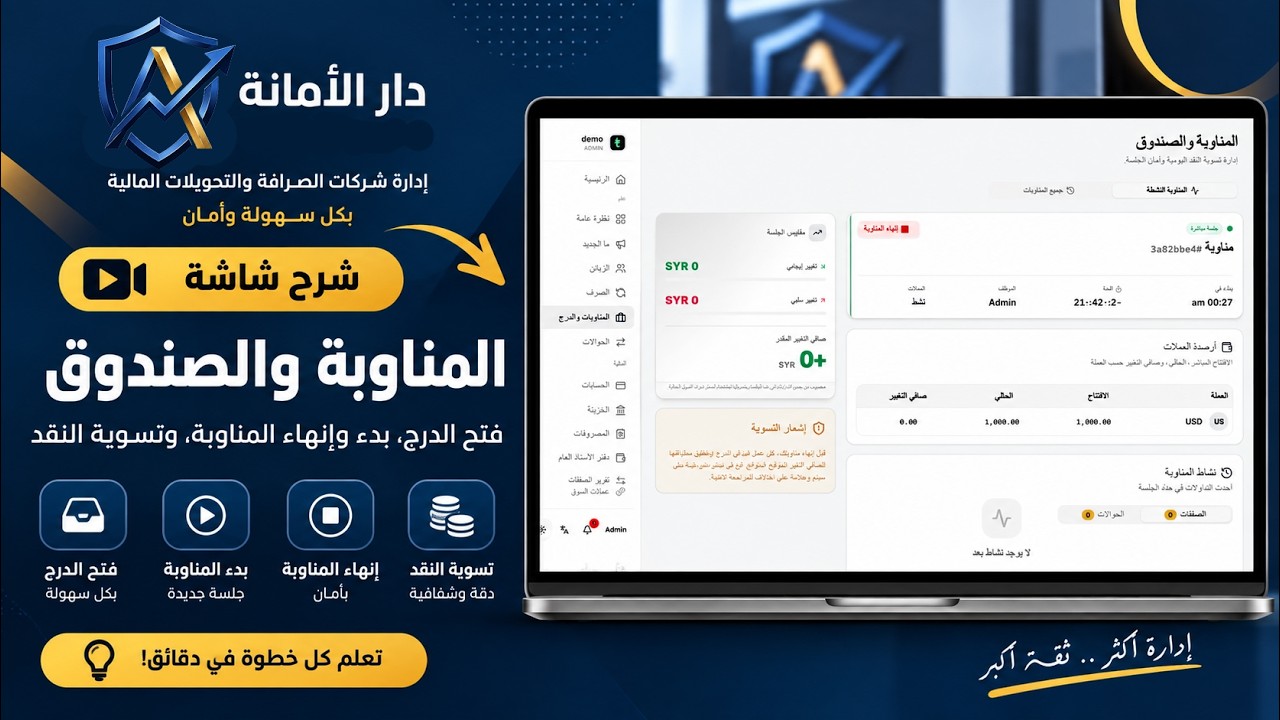
شرح شاشة المناوبة والصندوق: فتح الدرج، بدء وإنهاء المناوبة، وتسوية النقد
3:00