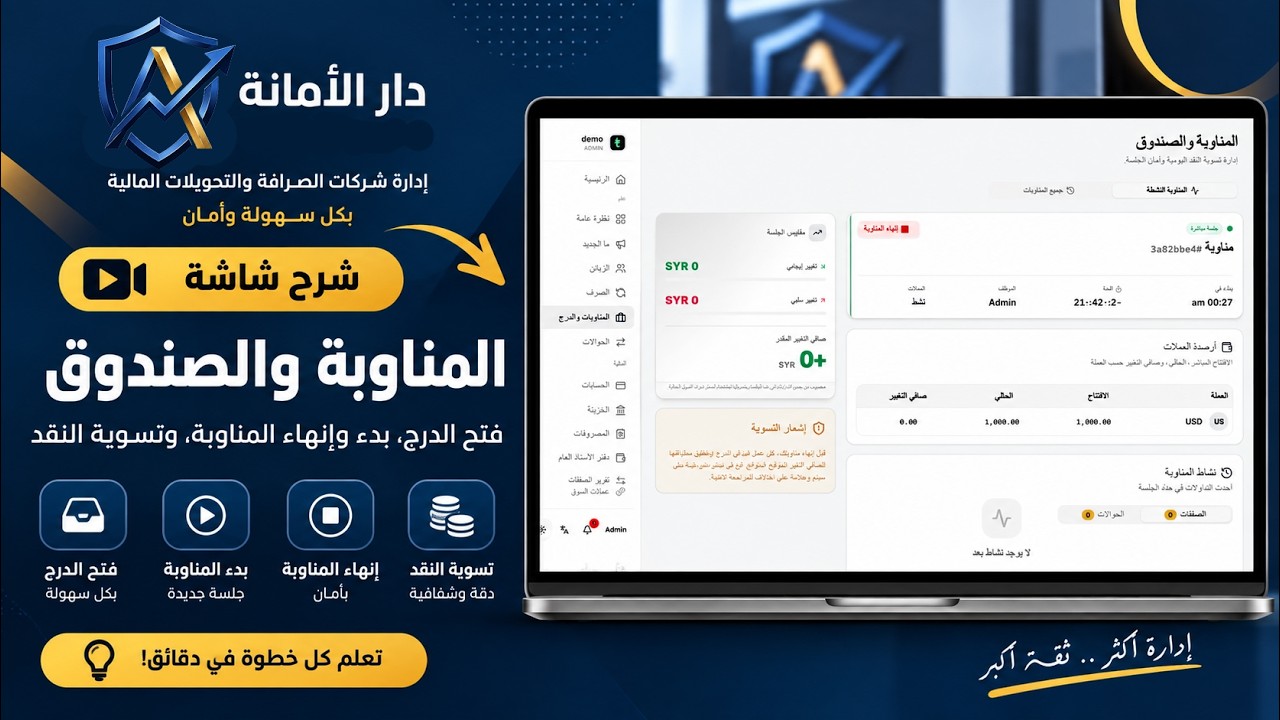
Treasury Screen Explained: Transfer, Balance Adjustment, New Account Creation, and Transaction Tracking
An educational video series explaining the "Amanah" system for managing exchange companies step by step.\nWe cover in this series all system sections: Treasury (transfer, balance adjustment, new account creation, transaction tracking), transfers, expenses, employees and permissions, branches, and activity logs.\nOur goal is to help you use the system with full efficiency, whether you are a cashier, branch manager, or company owner.
Step-by-Step Written Guide
In this video, we explain the Treasury screen in the Amanah system step by step. It is where bank accounts and branch treasuries are managed (every dollar of the company's funds has its place).
We cover in this video: 🔹 Create a new account (bank or cashbox) and set its name, type, and reference details 🔹 Adjust the balance for any account when correction is needed 🔹 Transfer between two treasury accounts holding the same currency 🔹 Track transactions from the "Transactions" tab to see all operations performed on the account 🔹 How to hide/show inactive accounts, and assign employees allowed to use each account when starting or closing a shift
This video is suitable for exchange company owners, branch managers, and employees responsible for treasury management.
📌 Follow the rest of the series videos to learn all sections of the Amanah system.
#Amanah #TreasuryManagement #ExchangeCompanies
Related Video Tutorials
View All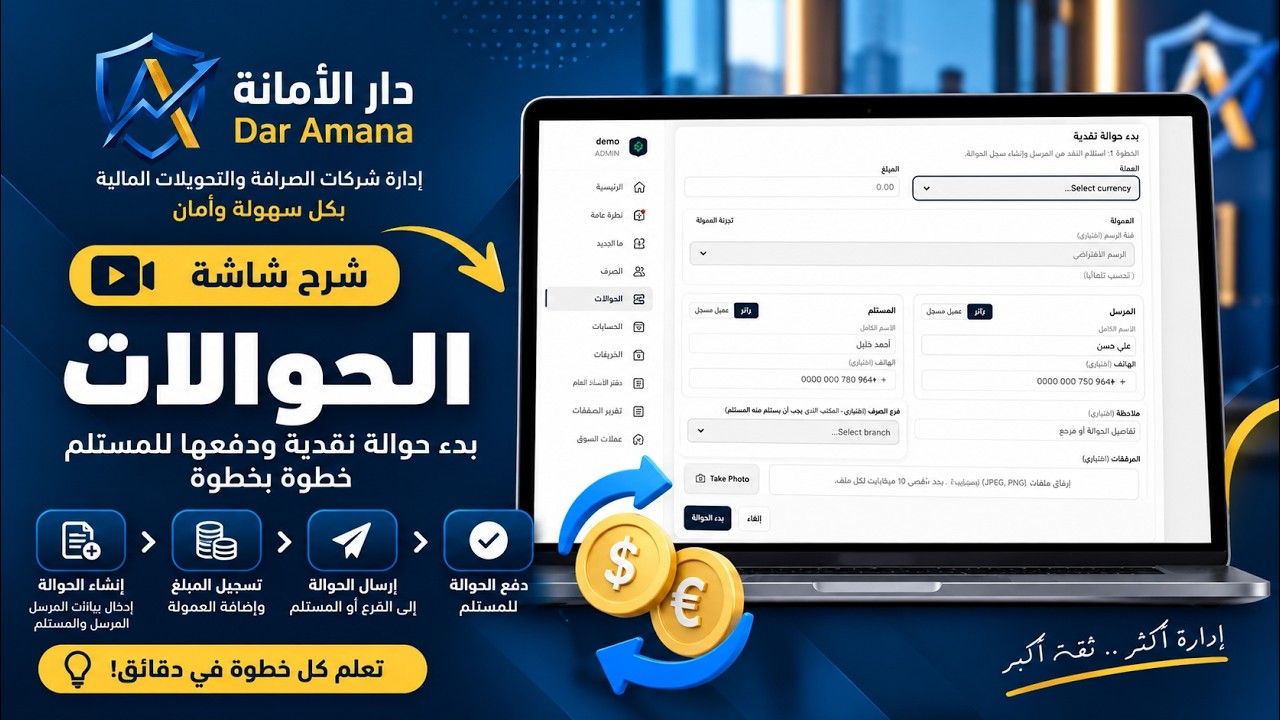
Explanation of the Transfers Screen: Starting a Cash Transfer and Paying It to the Recipient Step by Step
3:00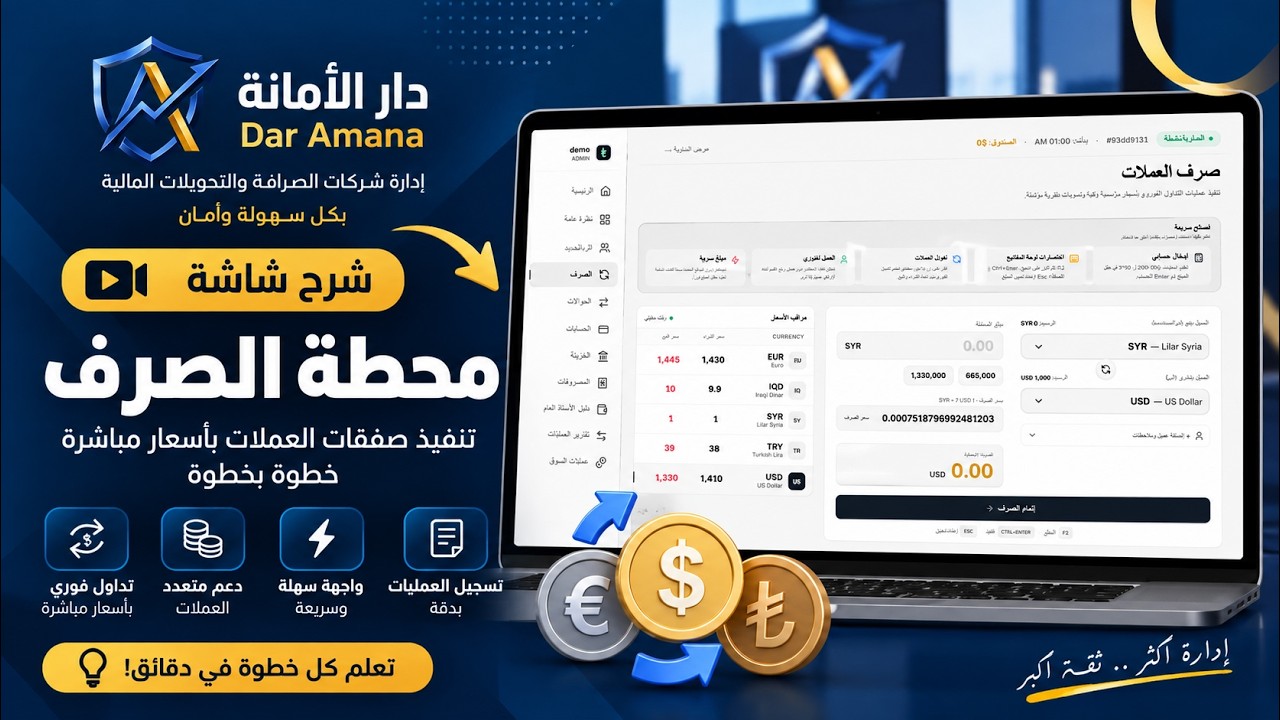
Explaining the Shift and Cash Drawer Screen: Opening the Drawer, Starting and Ending a Shift, and Cash Settlement
3:00